Do not diagnose a fault from a sound word alone. Record duration, door or ice-making events and any cooling concern, then compare the official guidance.
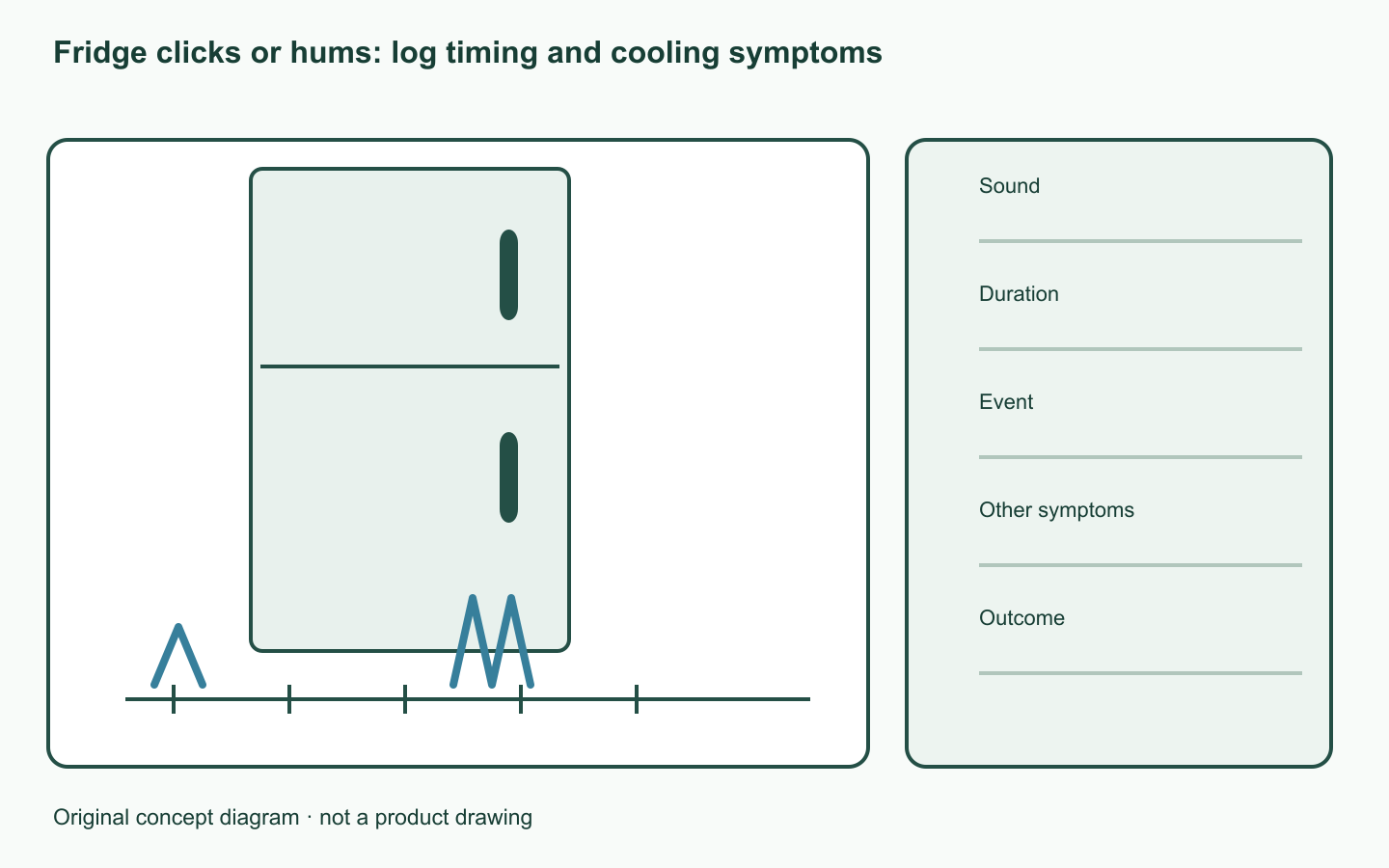
When and how long?
Note quiet-night perception and contact with nearby objects. A recording helps describe the symptom but cannot prove a component fault by itself.
Operating sounds have several sources
LG’s guide separates operating or temperature-change sounds from persistent noise and cooling concerns. Compare actual examples for the relevant model.
Keep a support-ready noise log
Keep time, duration and preceding activity on one row. Recent installation, movement and displayed errors help describe repeat conditions.
| Check | Record |
|---|---|
| Sound | Click, hum, rattle and recording |
| Duration | Start, end and recurrence |
| Event | Door, ice-making, recent installation |
| Other symptoms | Cooling concern or error display |
| Outcome | Official example and support response |
Report symptoms without disassembly
Do not move the fridge alone or open covers. Persistent noise, cooling concerns or error indicators call for manufacturer assessment using the model and your record.
A worked example
Hypothetical log: a brief sound after closing the door and a sound continuing overnight go on different rows. Even if both are called clicks, different durations should not be assigned one assumed cause.
Official sources checked
Official sources checked on 12 October 2026. Apply the cited model and market conditions. Examples are hypothetical records, not hands-on tests.