Plugging in HDMI does not automatically return TV audio to a soundbar. Record both devices’ ARC support, designated ports, TV output and audio-system input in order.
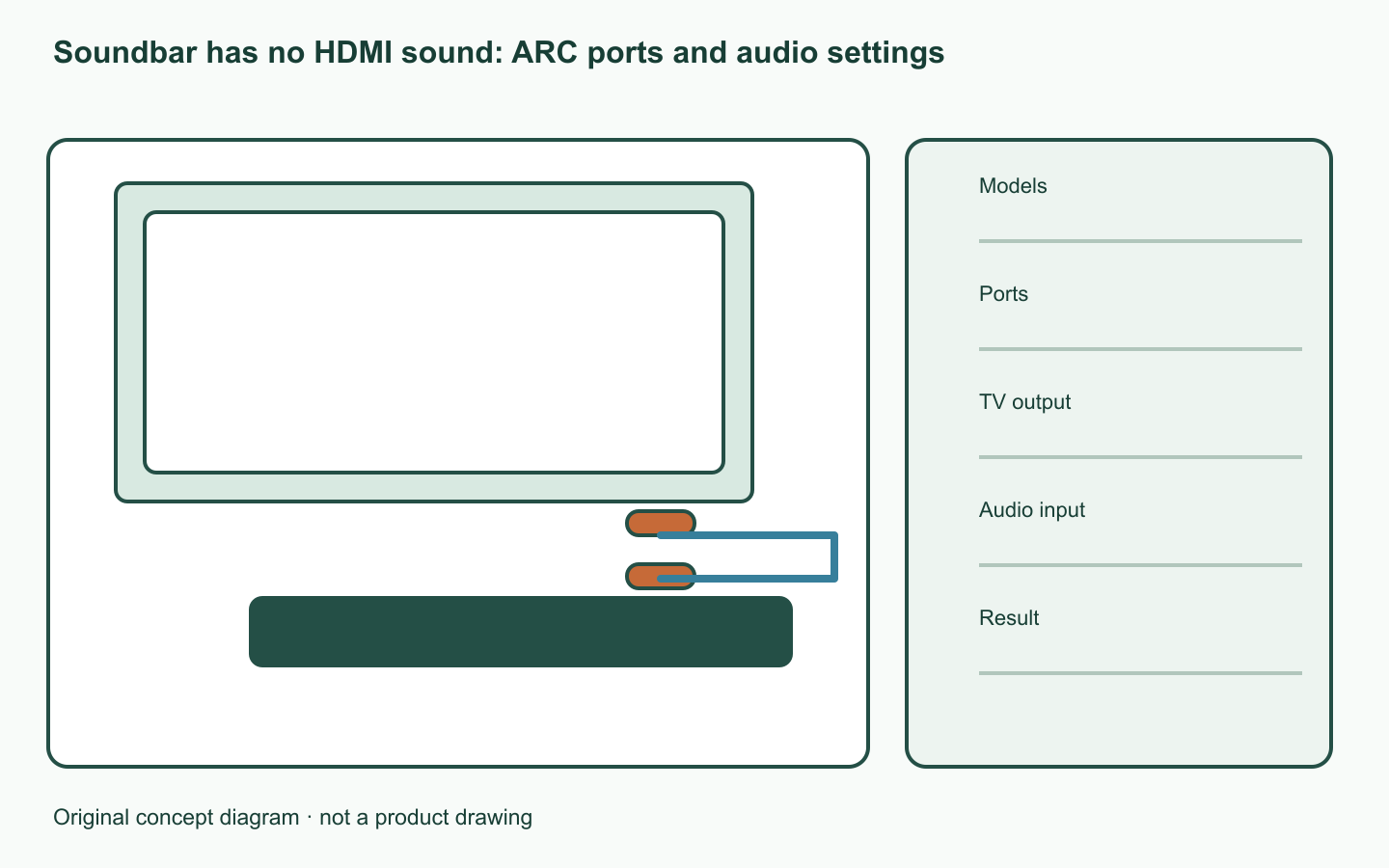
Do both devices support ARC?
Check ARC/eARC support in both full-model manuals. If only one supports it, this path cannot work; consult the manufacturer’s alternative connection options.
Match TV IN to audio OUT
Sony specifies TV HDMI IN(ARC/eARC) to audio-system HDMI OUT(ARC/eARC). Do not confuse these with ordinary HDMI ports.
Record ports, settings and sources
Check Audio System output on the TV and TV input on the soundbar. Sony’s HDMI-control and ARC menu labels should not be copied unchanged to another brand.
| Check | Record |
|---|---|
| Models | TV, soundbar and ARC support |
| Ports | ARC labels on TV IN and audio OUT |
| TV output | Audio System selection |
| Audio input | TV/ARC and relevant control setting |
| Result | Sound per source and one changed item |
Separate connection from source problems
Check one item at a time and log TV-app and external-input results separately. One silent source does not prove a complete port failure. Send both models, port photos, settings and source results to support.
A worked example
Hypothetical case: TV-app audio works through the soundbar but game-input audio does not. This is not evidence of total connection failure; report the specific input and audio-format symptoms.
Official sources checked
Official sources checked on 12 October 2026. Apply the cited model and market conditions. Examples are hypothetical records, not hands-on tests.