With a lit display, distinguish a whole-panel lock from an option unavailable only on one cycle. The lock indicator and model’s cycle-option chart guide the next step.
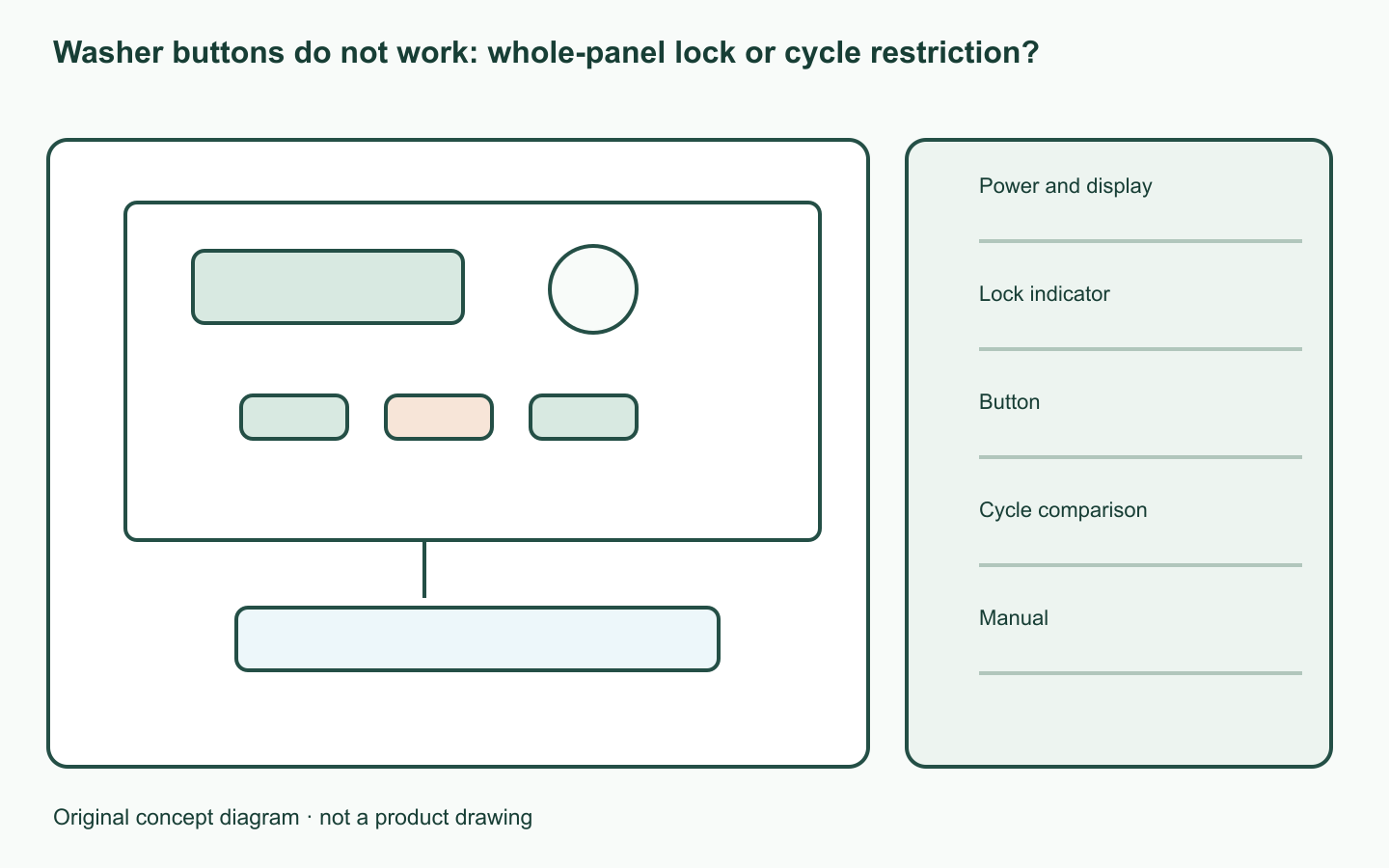
Separate display and power state
If the screen is dark too, use the manufacturer’s power guidance first. On a lit panel, list working and non-working buttons separately.
Lock and option restrictions differ
Samsung instructs checking Child Lock and the cycle-option chart. Its lock guide states that restarting alone does not disable Child Lock.
Compare button and cycle results
Compare one button on another cycle and with the manual chart. If the whole panel is locked, find the model-labelled button combination.
| Check | Record |
|---|---|
| Power and display | Lit screen and current state |
| Lock indicator | On / flashing / absent |
| Button | Working and non-working controls |
| Cycle comparison | Current and alternative cycle |
| Manual | Allowed-options chart and unlock combination |
Act on the observed branch
After the prescribed unlock, recheck the indicator and buttons. For a cycle-only limit, choose an allowed option. Let a moist panel dry naturally; send persistent non-response results to service.
A worked example
Hypothetical case: spin adjustment fails on cycle A but works on B. If the model chart confirms A’s restriction, choose an allowed cycle rather than reporting a whole-panel failure.
Official sources checked
Official sources checked on 12 October 2026. Apply the cited model and market conditions. Examples are hypothetical records, not hands-on tests.